Toronto zoo
Ticket booking
UI Design
USER TESTING
UI/UX
The Problem
Simplify ticketing for a user-friendly experience with clear instructions.
Clarify event details, using simple language and visual aids effectively.
Improve booking interface with step-by-step guidance and clear indicators.
Enhance overall user experience, prioritizing clarity, simplicity, and navigation.
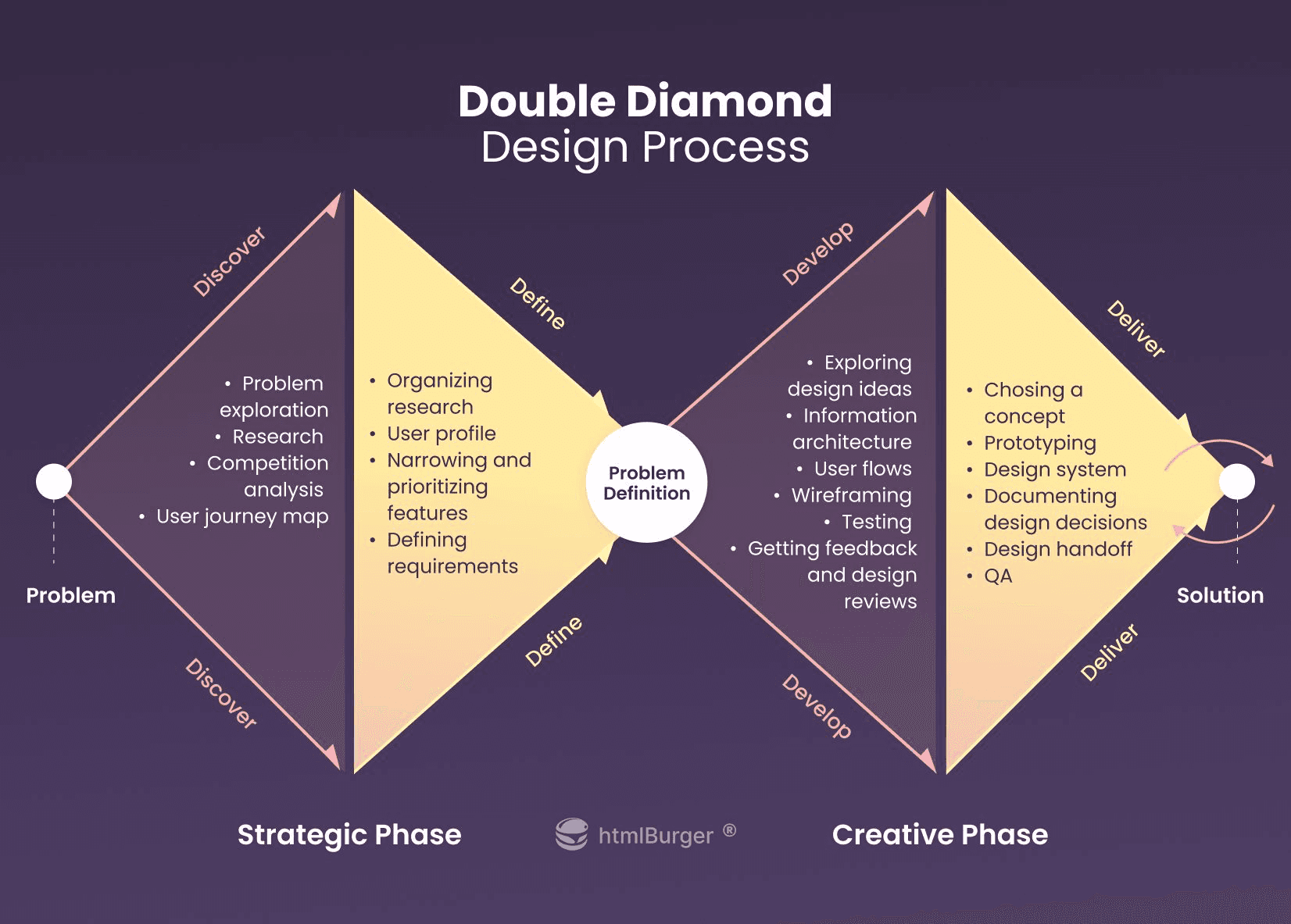
Double Diamond Design Process
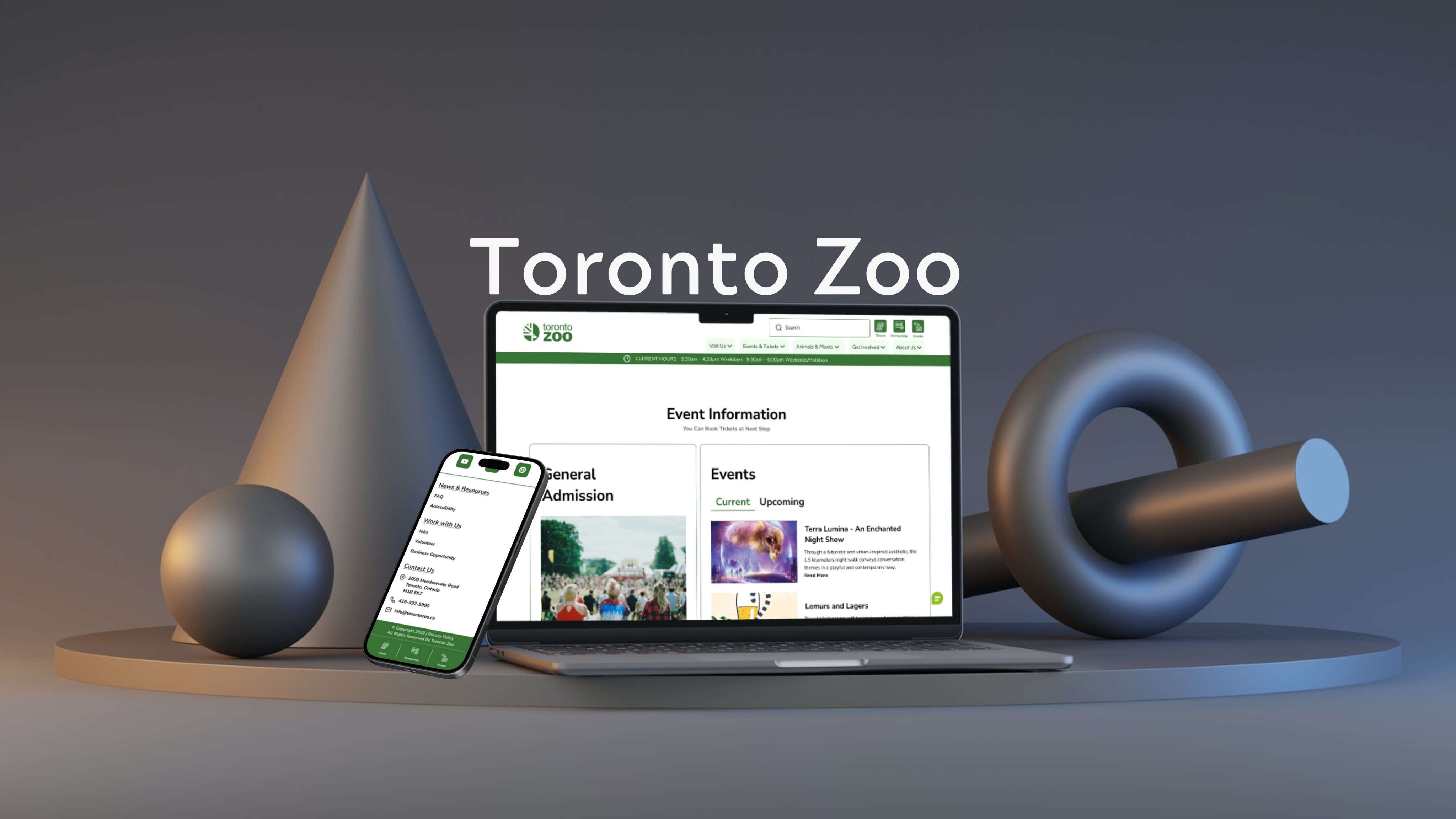
Product Preview
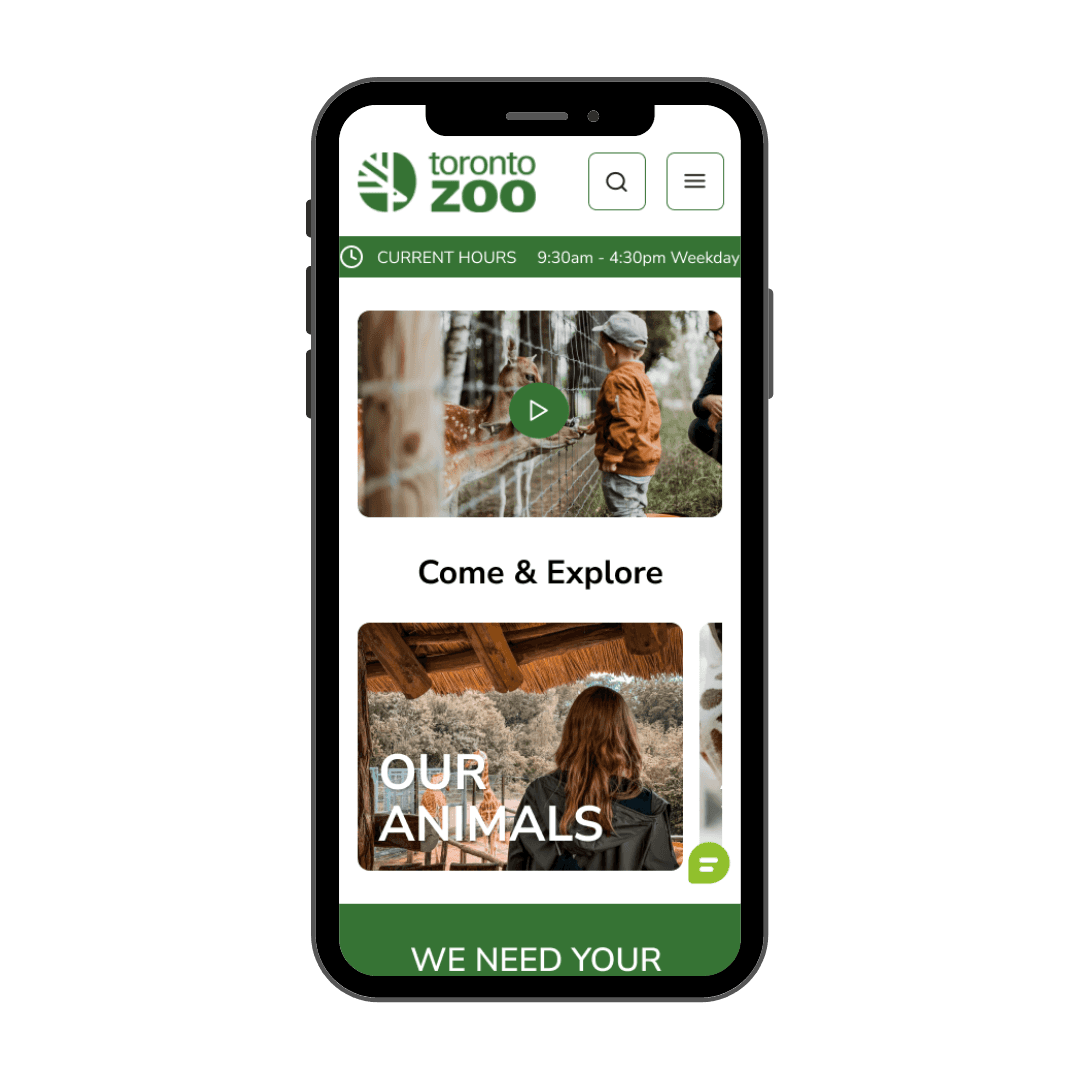
Landing page
Our landing page is designed to welcome
visitors with clarity, ease, and an intuitive
path to heir desired experience.
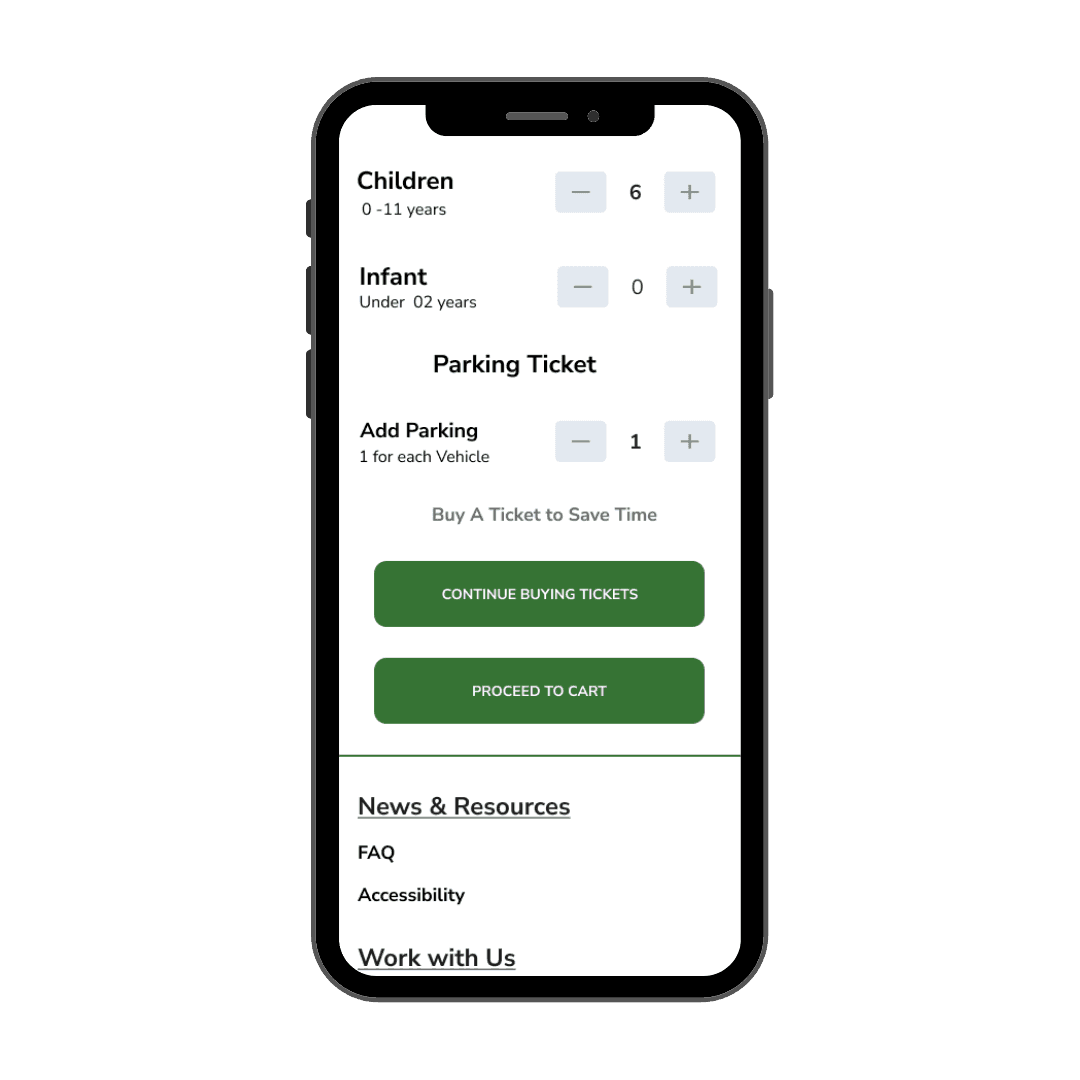
Adding parking ticking
Incorporating parking tickets into the
process simplifies the journey,
ensuring a hassle-free
experience from start to finish.
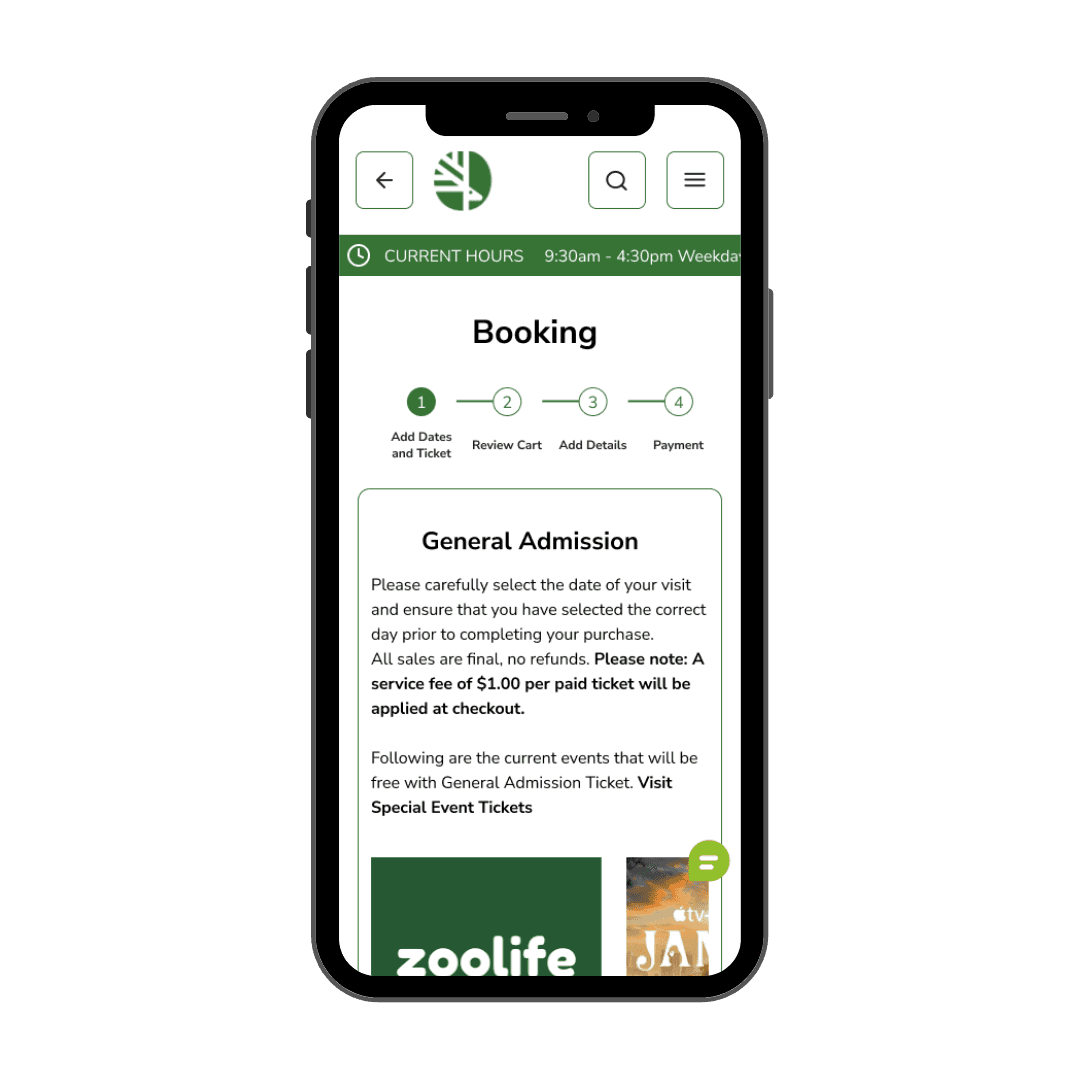
Easy 4 step ticket booking process
Our revamped 4-step ticket booking
process is designed for simplicity,
getting you to your adventure
faster and with ease.
The Challenge
What
How
Why
To optimize the Toronto Zoo's online experience, simplify ticketing with clear instructions, clarify event details using simple language and visuals, improve the booking interface, and prioritize overall user-friendly design for accessibility.

Opportunity
we aim for a streamlined, user-friendly experience with fewer clicks and heightened satisfaction
We're integrating parking with regular tickets,
offering a streamlined, intuitive process with fewer
clicks to boost user satisfaction and efficiency.
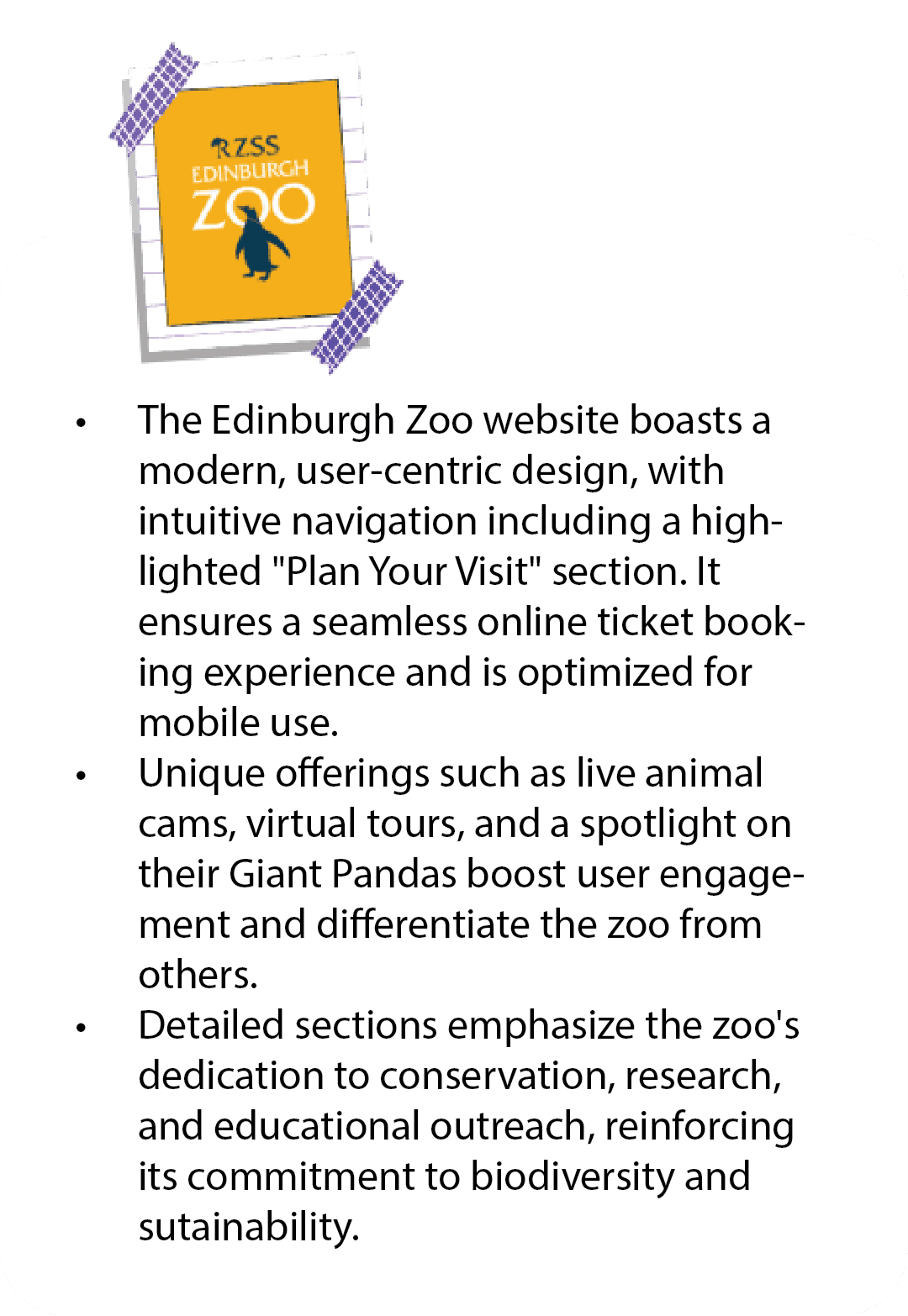
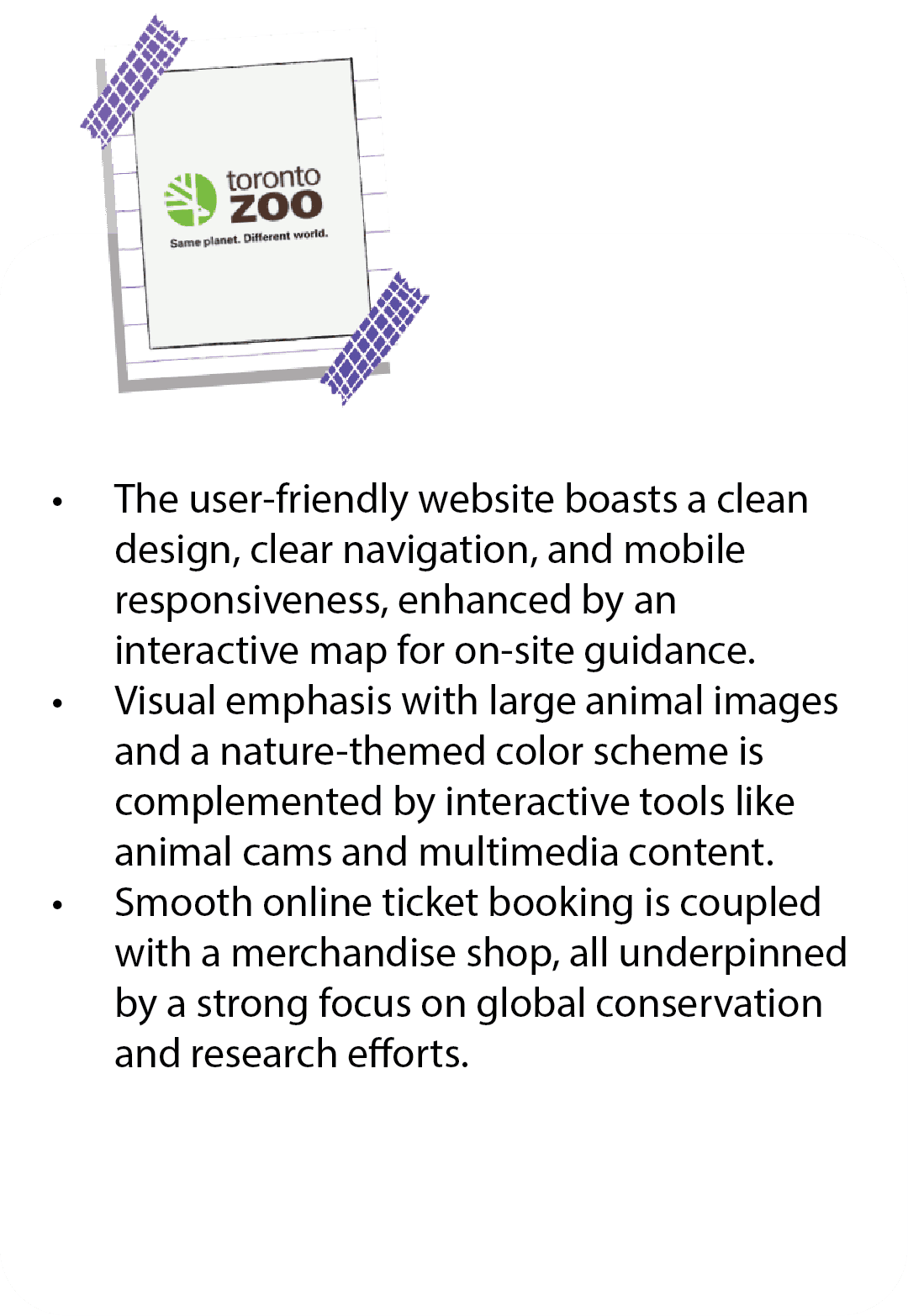
In this analysis, we explore the websites of Toronto Zoo, Edinburgh Zoo, and Wellington Zoo,
examining their user-friendliness, design, interactivity, and conservation efforts to showcase
their unique strengths.
Research Goals
Through competitor analysis and user interview on the "Ticket Booking Process," we gauged its effect on visitor satisfaction and conversions. Interviews and surveys offered insights to improve the Toronto Zoo's user experience.
Key Insight Derived form the user interview
Difficulty in locating relevant information: Customers struggled to find event details for guardians with kids and information about for events booking.
Lengthy and unnecessary forms: Booking event forms were lengthy and requested unnecessary information. The process was not streamlined, requiring separate forms for each child attending.
Limited Payment Options: The website offered only one payment option for event booking, limiting customer flexibility.
Misunderstood Terminology: The term "some event" confused some customers, as they mistook it for a separate program instead of a group event.

Sara, 20
– UX Manage, mother of 2
Toronto , Canada
Sarah, a busy Toronto-based UX manager, values easy ticket booking, clear information, and
seamless zoo visits for quality family time. Her pain points include time constraints and a
confusing booking process. She's research-oriented, mobile-savvy, and seeks value,
prioritizing her family's preferences. Opportunities lie in accessible information,
interactive displays, and quick booking.
With limited planning time, Sarah needs a swift ticketing process; the current lengthy
and confusing pathway causes frustration and potential transaction drop-offs.
User Research
User Persona
Designing my ideas to fit the user's needs
We went through research, I did it with card, sorting and information architecture to develop our final high-fidelity prototype.
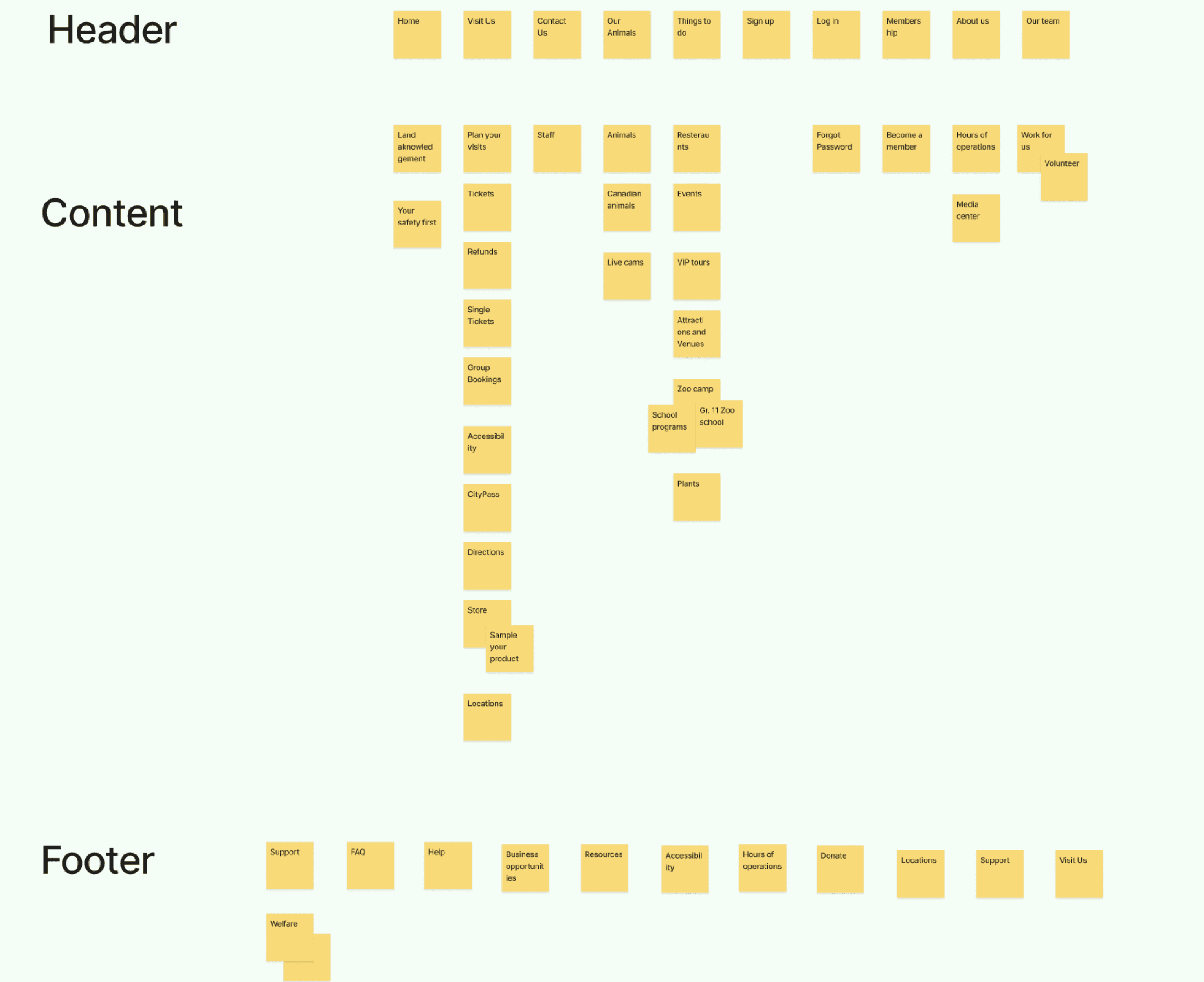
Card Sorting
The objective of this card sorting exercise is to evaluate and optimize the information architecture
and menu structure of the Toronto Zoo website. By organizing content into intuitive categories,
we aim to enhance user navigation and overall user experience.
User-Centered Navigation: Card sorting helps create an information architecture that aligns with
users' mental models, enhancing website navigation by placing content where users expect it to be.
Improved User Experience: A well-organized website, derived from card sorting insights, leads to a more intuitive and user-friendly experience, reducing user frustration and increasing engagement..
Data-Driven Decision-Making: Card sorting provides valuable data and user input that inform website redesigns, allowing organizations like the Toronto Zoo to align their digital presence with visitor needs and preferences.

Information architecture (IA)
Information architecture (IA) plays a pivotal role in shaping the digital experience of Toronto Zoo's online visitors. IA involves the strategic organization and structuring of content on the website to ensure easy access to information and a seamless user journey. Here are some key considerations for enhancing IA at the Toronto Zoo:
User-Centric Approach: The primary goal of IA should be to cater to the needs and expectations of the diverse user base visiting the Toronto Zoo website. Understanding the varying interests of potential visitors, including ticket booking, educational resources, event information, and conservation efforts, is crucial.
Intuitive Navigation: IA should prioritize intuitive and user-friendly navigation. Users should be able to effortlessly find the information they seek, whether it's planning a visit, learning about animals, or supporting conservation initiatives. Clear and concise menu labels and logical grouping of related content are essential.
Mobile Responsiveness: In today's mobile-centric world, ensuring that IA translates seamlessly to various devices and screen sizes is crucial. The IA should be adaptable and responsive to deliver a consistent and user-friendly experience across platforms.
What is our solution?
I lead an ideation work session with my group. Here are our Key insights:
Simplify the ticket booking process with clear, concise steps to save users like Sarah valuable time..
Implement an intuitive, user-friendly interface with tooltips and guidance to eliminate confusion and reduce drop-offs.
Ensure the booking system is fully responsive to cater to Sarah's mobile-savvy preference, offering quick and efficient mobile booking options.
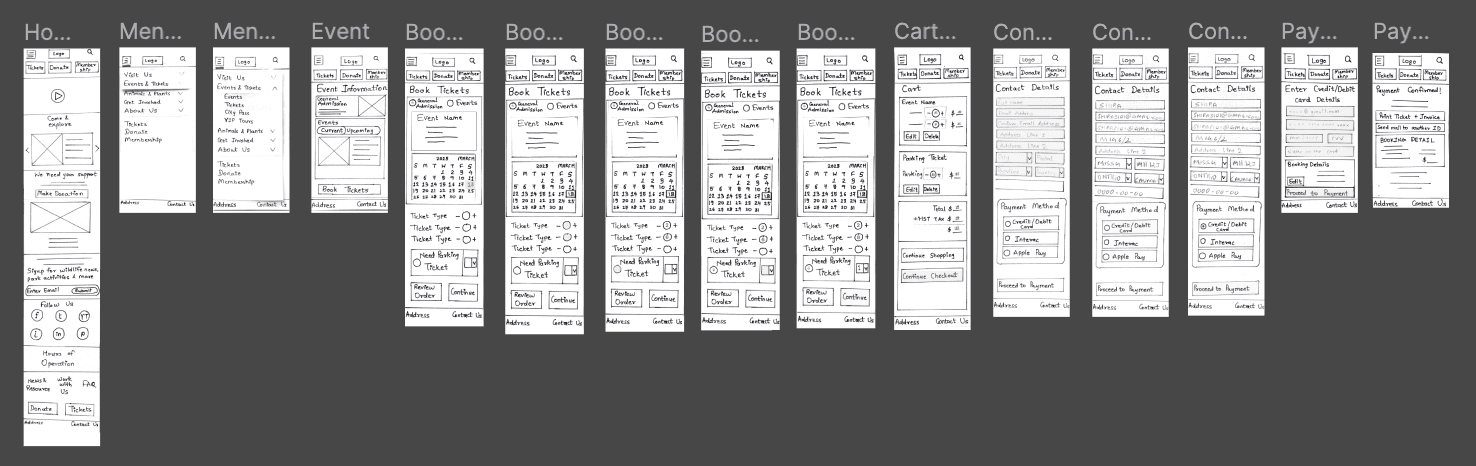
Wireframes
How did we design the wireframes?
When designing the structure of a layout, I have to decide which design elements can best
communicate information to a user.
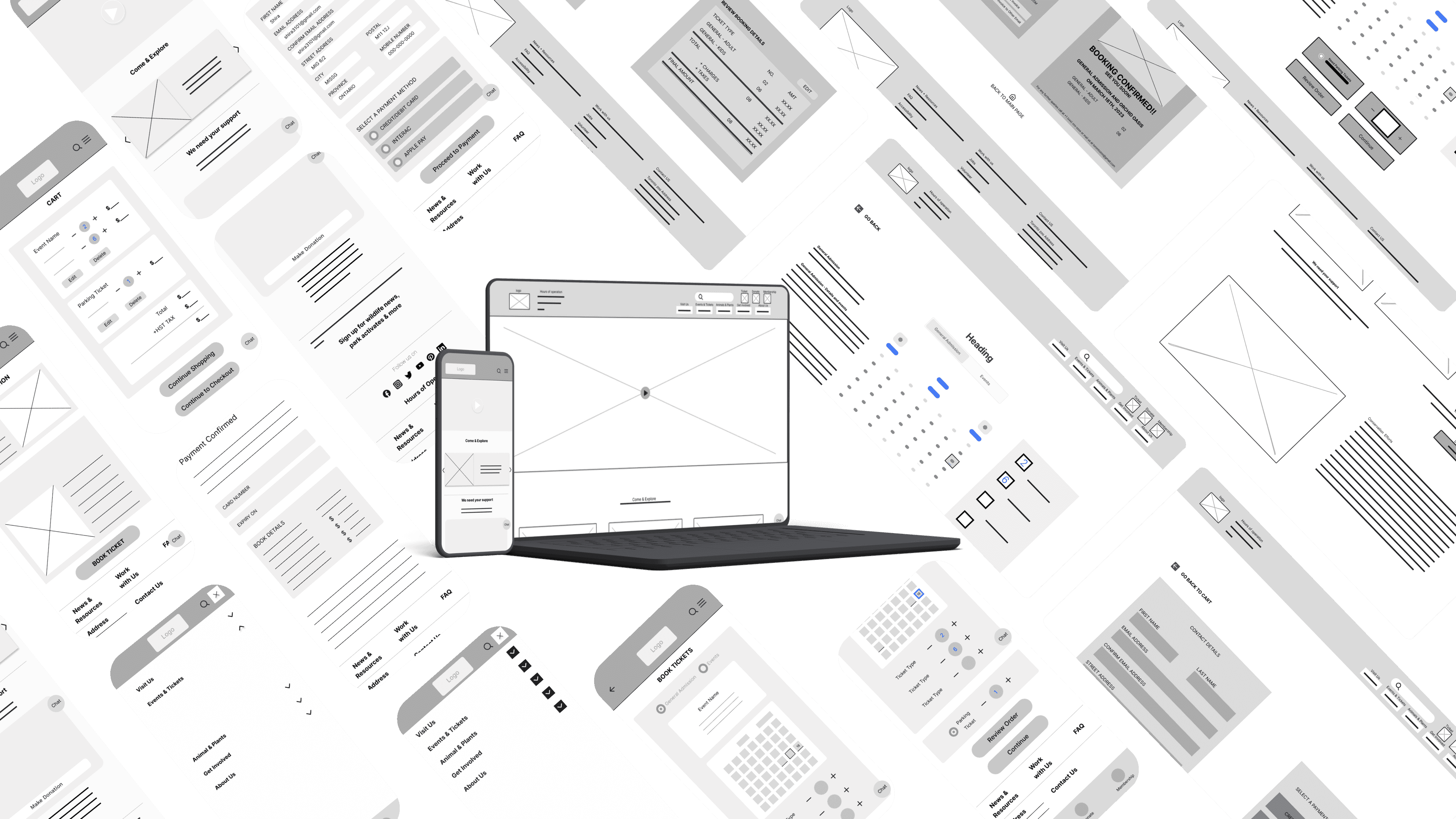
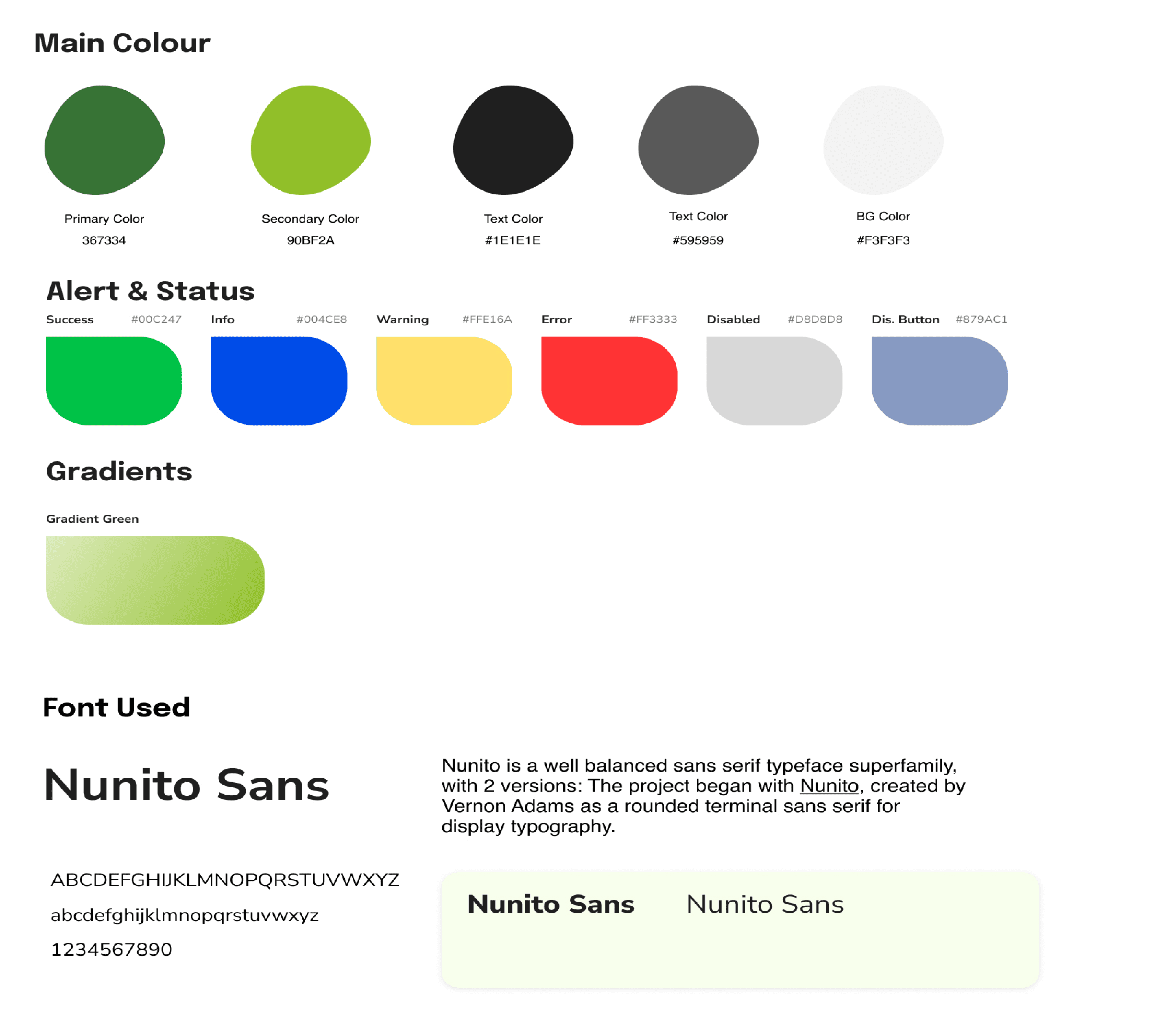
Design System

Mobile high Fidelity
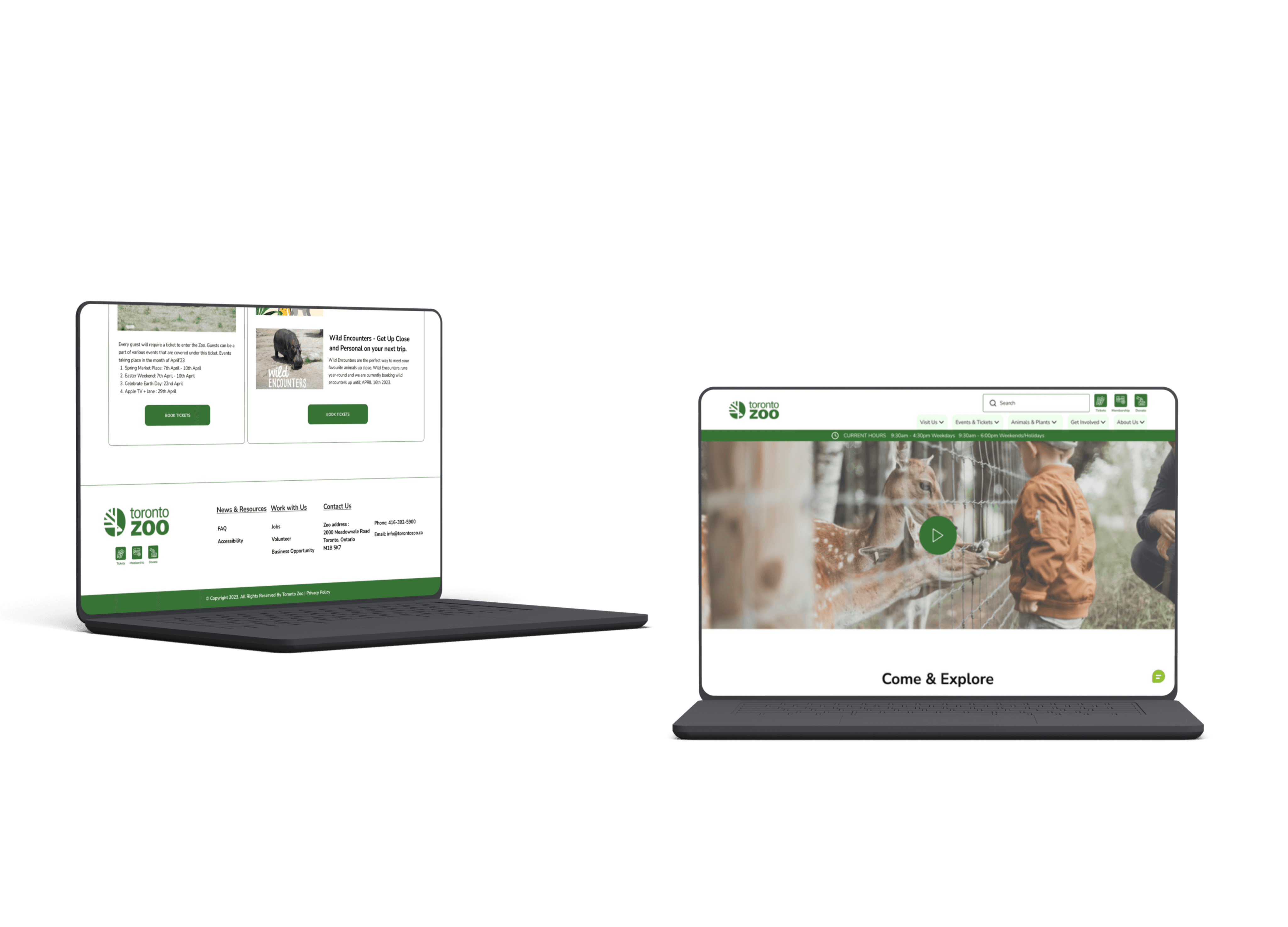
Laptop high Fidelity
Key Takeaways
User-Centric Design:
Prioritize user needs through research and personas for
tailored solutions, enhancing UX and user satisfaction. By conducting thorough user research and creating detailed personas, designers can gain a deep understanding
of their target audience, leading to more tailored and user-focused solutions. This user-centric approach ensures that the final product aligns with user expectations and ultimately results in higher user satisfaction.
Simplicity and Responsiveness Drive User Engagement
Streamlining the user journey and ensuring mobile responsiveness are essential strategies for improving the overall user experience. Simplifying complex processes and minimizing required clicks can significantly reduce user frustration and drop-offs, while mobile responsiveness ensures accessibility for users on various devices prioritizing these aspects, designers can create a more user-friendly and engaging platform that caters to a wider audience, including those who prefer mobile access.
Challenges
Data Privacy and Security:
Safeguarding user data and ensuring compliance with data protection regulations, such as GDPR, presents a significant challenge. Maintaining trust and privacy while collecting and storing user information is critical in user-centric design.
Adapting to Rapid Technological Changes:
Keeping up with evolving technologies, devices, and user preferences can be challenging. Designers must continuously update and optimize the user experience to remain relevant and effective in a dynamic digital landscape.
Competitive Analysis

I giving the Toronto Zoo's ticketing website a fresh makeover! Think simpler interface, easy navigation, and crystal-clear info. Our mission? Making ticket buying smooth and fun for everyone.
Role
UX Designer, UX research
Timeline
Winter 2023
Project
UX/UI Designing
What I Did
Recruiting Users, User Interviews, UXR,
UX Design, Visual identity, UI Design, Usability
Testing, Pretotyping
Launch
View Prototype